Mel – the agentic terminal
The agentic team for coding.
AI coding agents that are not tied to one vendor: how to check before you commit
November 13, 2026 · 6 min read
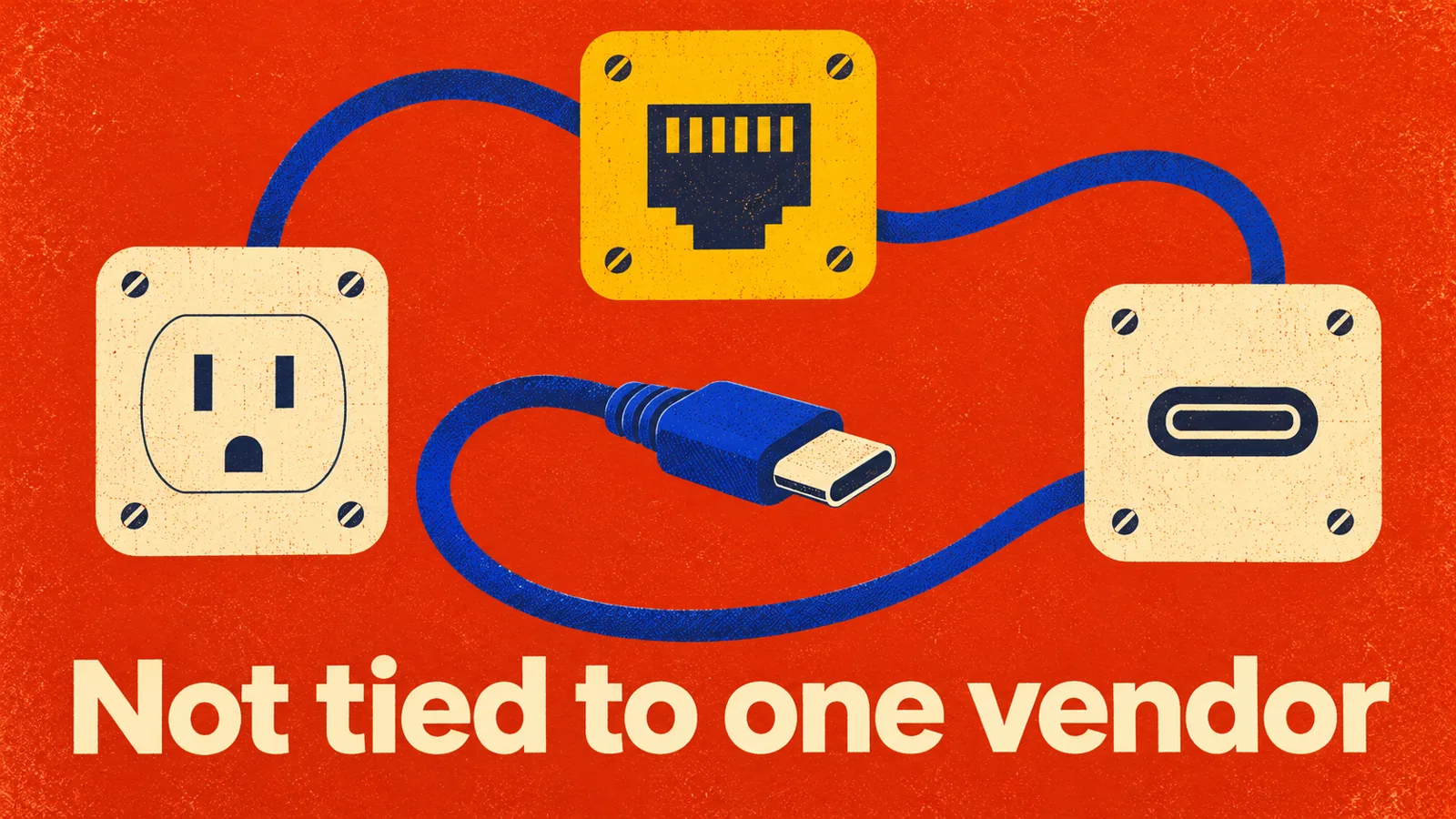
- Many AI coding agents are built around one company's models. Others let you choose.
- Lock-in is not only about models. It is also your key, your bill, your settings and your team's habits.
- Test it: run the same task on two vendors' models in the same tool, and see what changes.
- Mel works with Claude, GPT, Gemini, DeepSeek and Qwen: US and Chinese models in one tool, free with your own API key.
An AI coding agent is not tied to one vendor when you can pick models from more than one company, bring your own API key, and keep your settings and habits when you change models. Before your team commits, check five things: which model vendors it supports, whose key it runs on, whether you can pick the model per task, what you lose when you switch, and how the bill works. This guide walks through each check and shows where Mel fits.
Why does it matter if a coding agent is tied to one vendor?
Because models change faster than your tools. A new model can lead for a few weeks, then another one passes it. Prices move. Usage limits move. If your agent only works with one company's models, every one of those changes is a decision someone else makes for you.
People who ask for an agent that works with "any model" usually want one of three things:
- Choice per task. A strong model for planning and hard bugs, a smaller one for renames, docs and simple tests.
- A way out. If a vendor raises prices, cuts limits or has a bad week, the team keeps working.
- One tool for the whole team. People like different models. The team still wants one way of working, one place for approvals and one bill.
How can you tell if an AI coding agent is locked to one vendor?
Ask these five questions, and answer them from the tool's own docs and pricing page on the day you check. Tools change often, so write the date next to each answer.
- Which model vendors does it support? Look for a list of companies, not one. "Supports many models" from a single vendor is still one vendor.
- Whose key does it run on? Can you bring your own API key, or must you buy the tool's plan to use it at all?
- Can you pick the model per task? Or is the model fixed, or chosen for you with no way to change it?
- What do you lose when you switch? Your project settings, approval rules, history and shortcuts should stay when the model changes.
- How does the bill work? A flat plan, your own key, or team seats. Check what happens to the bill when you move to another vendor's model.
Tip: do not stop at the docs. Run one real task twice in the same tool: once on one vendor's model, once on another's. If the second run needs a new tool, a new login and new settings, the agent is tied to one vendor, whatever the feature page says.
Vendor-tied vs multi-model: what is the difference?
| Tied to one vendor | Works with several vendors | Mel | |
|---|---|---|---|
| Models you can use | One company's models | Models from more than one company | Claude, GPT, Gemini, DeepSeek and Qwen |
| Your own API key | Often the vendor's plan only | Usually yes | Yes: free with your own key |
| Picking the model per task | Within one vendor's range | Across vendors | Yes |
| When a vendor changes prices or limits | You wait or you switch tools | You change the model and keep going | You change the model and keep going |
| Team plan | Depends on the vendor | Varies by tool | Business: $50 a seat, 2 seats minimum, shared credits, one invoice |
| Platforms | Varies by tool | Varies by tool | Mac, Windows, Linux, plus a VS Code extension |
The middle column is a type of tool, not one product. Check each tool you consider against the five questions, because two tools that both say "multi-model" can mean very different things.
Is a multi-model agent worse than one built for a single model?
Not by default. A tool built around one model can be tuned closely to it, and some teams are happy to trade choice for that. The question is what you need. If your team wants to try new models as they come out, compare them on its own code, or keep working when one vendor has a bad day, choice is worth more than close tuning.
The fair test is the same for both kinds of tool: give them the same real task from the same commit and compare the result, the retries and the time you spent reading and fixing the diff.
Where does Mel fit?
Mel – the agentic terminal · openmel.dev. A multi-agent, multi-model AI terminal for Mac, Windows, Linux and VS Code. Free with your own API key.
Against the five questions:
- Vendors: Mel works with Claude, GPT, Gemini, DeepSeek and Qwen: US and Chinese models in one tool.
- Your key: bring your own API key and Mel is free. You pay your provider for what you use. Pro ($20 a month) and Max ($200 a month) are there if you would rather not manage keys.
- Model per task: pick the model that fits each task, and run the same task on two models to see which one does it better on your code.
- What stays when you switch: the tool, your terminal and your approvals stay the same. Configurable approvals keep you in control of commands and edits, whichever model is working.
- The bill: for a team, Mel Business has shared credits and one invoice.
Mel is more than a model picker. A team of agents works on files, commands, code and diff review in the same window as your own shell. Mel is English only today.
How do you test this with your team?
Keep it small and keep it real:
- Pick three tasks from your backlog: a bug, a missing test and a small feature.
- Pick two models from two different vendors.
- Run each task on both models in the same tool, from the same commit.
- Write down whether it finished, the retries, and your minutes spent reviewing the diff.
- Decide per kind of task, not once for everything. Many teams end up with a different model for different jobs.
If you want to see this on your own repository with someone who knows the tool, book a demo.
Frequently asked questions
Which terminal AI agents work with more than one model vendor? Several do, and the list changes often. Check each tool's docs for a list of companies whose models it supports, then run one task on two vendors' models in the same tool. Mel works with Claude, GPT, Gemini, DeepSeek and Qwen.
Does Mel work with any model? Mel works with Claude, GPT, Gemini, DeepSeek and Qwen, so US and Chinese models in one tool. Check the app for the current list before you plan around a specific model.
Can I use my own API key with Mel? Yes. Mel is free with your own key on Mac, Windows and Linux, plus a VS Code extension. You pay your provider for what you use.
What is vendor lock-in for AI coding tools? It is when changing model vendors means changing your tool, your login, your settings or your bill. The test is simple: try to run the same task on another vendor's model and count what you have to redo.
Is there a team plan that is not tied to one model vendor? Mel Business is $50 a seat with 2 seats minimum, with shared credits and one invoice for the team.
Want to run the check yourself? Download Mel and put it next to the tool you use today.

Lalla is a hands-on tech founder, agentic infrastructure architect and the vision behind Mel.
Follow on LinkedIn