Mel – the agentic terminal
The AI terminal for teams.
How to budget AI coding tools for a team
October 27, 2026 · 4 min read
- AI coding tools bill a team per seat, by usage, on your own API key, or a mix, so plan around the shape of the bill.
- Per-seat plans are easy to predict; usage billing is fair but long agent runs cost more than short questions.
- Keep spend under control with one owner, one bill, right-sized plans, clear prompts and a monthly review.
- Mel is free with your own key, Pro is $20 and Max $200 a month, and Business gives shared credits and one invoice.
The AI coding tools cost for teams depends less on one list price and more on how each tool bills. A team of five can pay very different amounts for the same work, depending on whether it pays per seat, per use, or both. This guide explains the billing models in plain terms and gives you a simple way to set a budget and keep to it.
How much do AI coding tools cost for a team?
AI coding tools for a team cost whatever their billing model adds up to: a fixed fee per seat, a charge for the AI work actually done, or a mix of both. Prices change often, so check each vendor's pricing page before you plan. What you can plan around is the shape of the bill.
| Billing model | How it works | Good for | Watch out for |
|---|---|---|---|
| Per-seat subscription | A fixed monthly fee for each person | Steady, predictable use | Paying for seats people rarely use |
| Usage-based | You pay for the AI work done, often as credits or tokens | Teams whose use goes up and down | Long agent runs that cost more than expected |
| Your own API key | The tool is free or cheap, and the model provider bills usage | Developers who already have provider accounts | Many separate provider bills across the team |
| Mixed | A seat fee that includes some usage, then extra usage on top | Most of the benefits of both | Knowing when you pass the included amount |
Per-seat subscriptions
A seat price is easy to plan. You multiply it by the number of people and you know the monthly total. The cost of a seat does not tell you how much work it covers, though. Some plans include a set amount of AI use, and heavy users can reach it.
Usage-based billing
With usage billing, you pay for what the agent does. A short question costs little. An agent that reads many files, runs the tests and fixes errors over a long session costs more, because it sends more to the model. This is fair, but it is harder to predict.
Your own API key
Some tools let each developer paste in a key from a model provider. The tool itself may be free, and the provider bills the usage. This gives you direct access to provider prices. On a team, it can also mean many bills on many cards.
How do I keep AI coding spend under control?
Keep AI coding spend under control by putting it on one bill, matching each person's plan to how much they really use, and reviewing the total every month. Small habits help too.
- One owner. Pick one person who owns the AI tools budget and reads the bill.
- One bill. Shared credits on one invoice are easier to track than a card per developer.
- Right-size plans. Light users do not need the largest plan. Move people up only when they keep running out.
- Clear prompts. A clear task with clear checks ("the tests pass") wastes fewer runs than a vague one.
- A monthly review. Compare what you spent with what shipped, and adjust.
Tip: write your monthly AI budget down before you pick a tool. Then compare tools by what that number buys your team, not by the headline price.
A simple budget in four steps
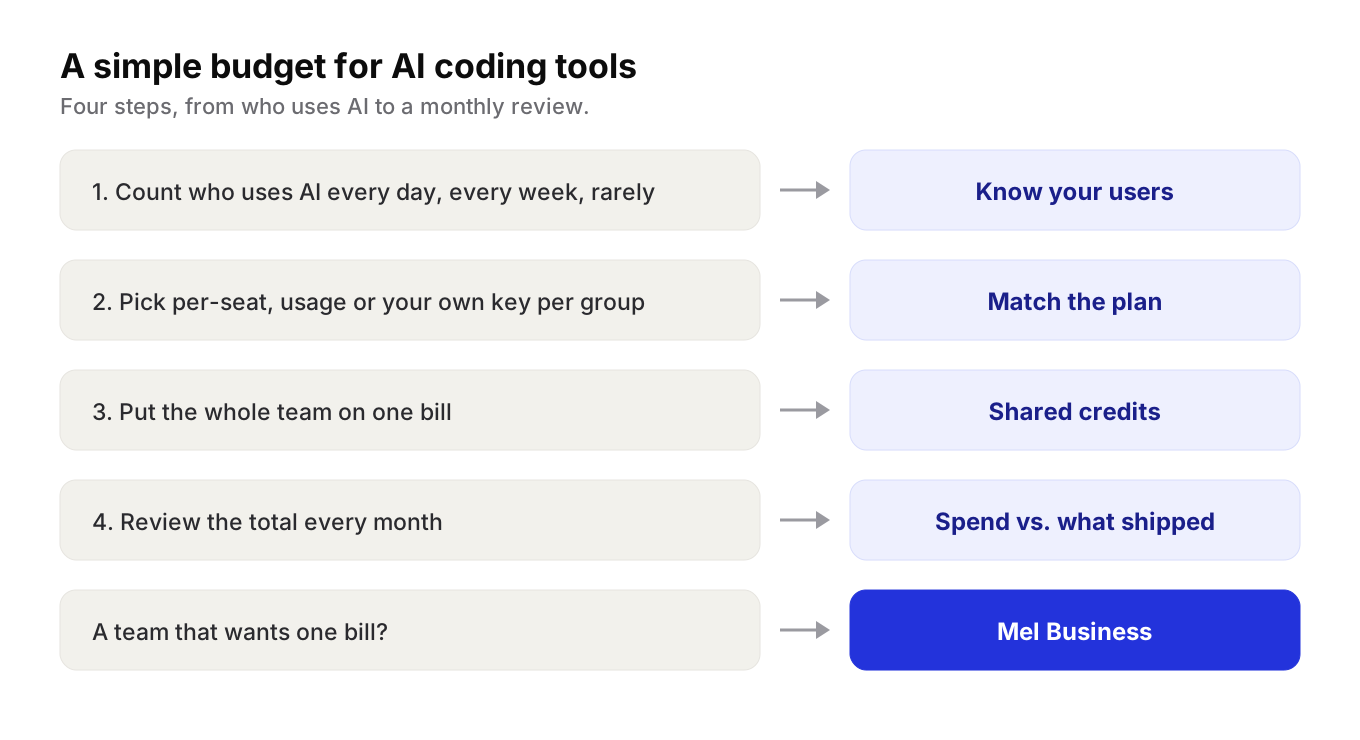
- Count your users. Split the team into daily users, weekly users and people who rarely use AI.
- Pick a billing model for each group. Daily users often fit a plan with included usage. Light users may be fine with their own key.
- Put the team on one bill. Shared credits and one invoice make the total easy to see.
- Review every month. Look at the total, ask what shipped, and change plans where it makes sense.
What Mel costs for a team
Mel is the agentic terminal that plans, builds, tests and ships your work, from prompt to production-ready code, with you in control. It is the AI terminal for teams. A team of agents in one terminal plans the work, writes the code, runs the tests and ships it, using Claude, GPT, Gemini, DeepSeek and Qwen.
Mel's plans follow the shapes above:
- Free with your own API key. Your provider's usage charges apply.
- Pro, $20 a month. Includes 1,500 hosted AI credits a month, so you do not need a provider key.
- Max, $200 a month. The larger plan, for heavier use.
- Business. Shared credits and one invoice for the whole team.
Mel can also run Claude Code and Codex as part of its team of agents, so a team keeps the tools it likes inside one terminal. Configurable approvals keep you in control of commands and edits. Mel runs on Mac, Windows and Linux, and there is a VS Code extension.
See pricing for the current plans.
Try Mel
Download Mel for free and try it with your own key, or book a 15-minute demo to talk through a budget for your team.

Lalla is a hands-on tech founder, agentic infrastructure architect and the vision behind Mel.
Follow on LinkedIn