
Mel documentation
Everything about Mel — the terminal, the agent, the code tools, and the API. Start with the quickstart, or jump straight to the feature you're curious about.
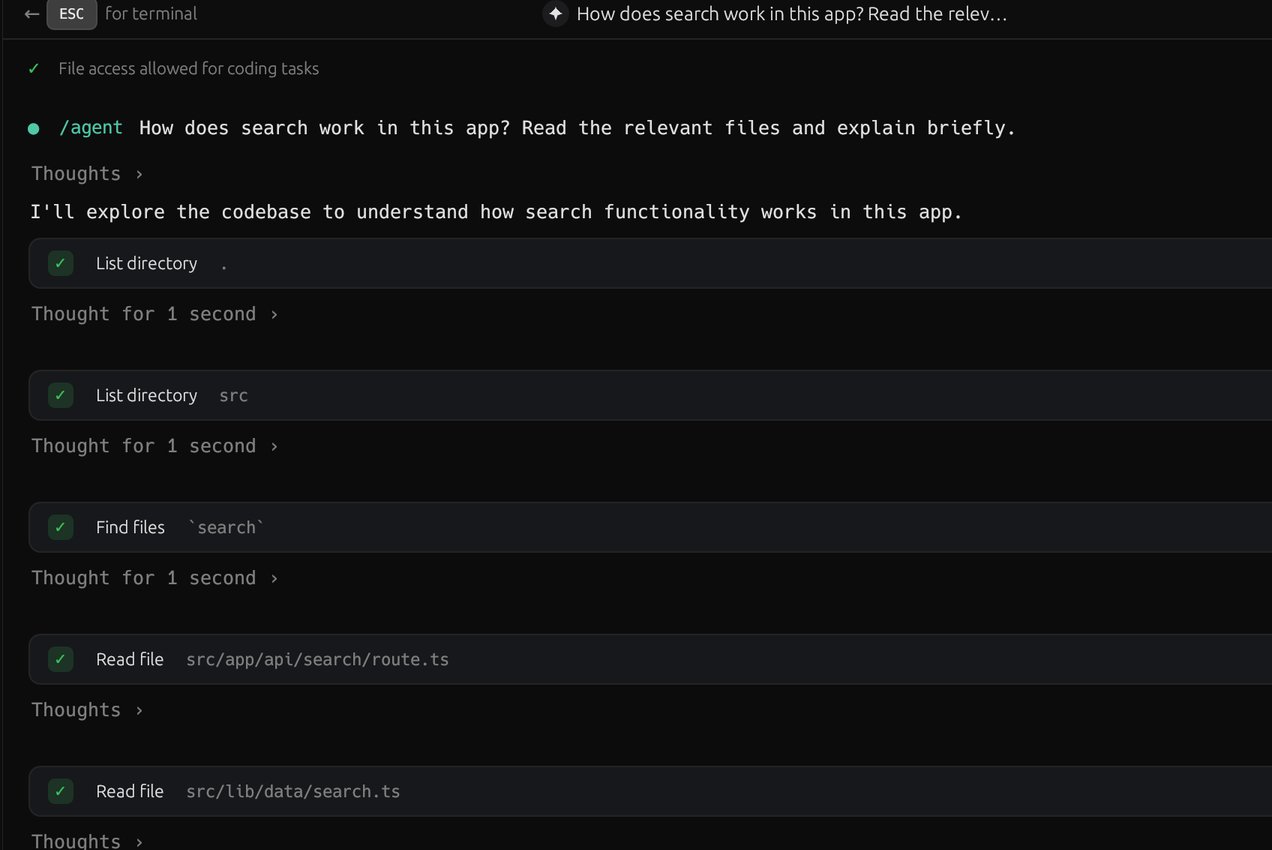
Mel is a terminal with a coding agent built in. You run your shell as usual, and when you want help, Ctrl+Enter (⌘↵ on a Mac) hands what you're looking at to an agent that reads your code, runs commands, edits files and checks its work. Edits and commands show an approval card, unless you choose to allow them. Mel runs on macOS, Windows (x64 and ARM) and Linux.
Start here
- Install Mel on macOS, Windows or Linux.
- Quickstart: your first five minutes, from launch to a useful agent result.
- Switching from another terminal: what stays the same and what's new.
- Get a free model key to use the agent on the Free plan.
What you can do
- Work in the terminal. Each command and its output is a block; tabs and split panes, chips and a command palette keep it organised.
- Hand work to the agent. Prompt it, let it plan first, and review its changes before you commit.
- Stay in control. Approvals for edits and commands, and what always waits for you: Security & privacy.
- Make it yours. Rules and MEL.md, the Library of skills and prompts, and MCP servers.
- Connect your tools. GitHub, Slack, Linear, Vercel and more, Mel in VS Code, and Mel from other apps.
Models
Mel's auto picks a model for each turn from Anthropic, OpenAI, Google, xAI, Groq, DeepSeek, Moonshot, Z.ai, MiniMax, Alibaba and Xiaomi, or you pick one yourself. Use Mel's credits, or your own provider keys at no credit cost. See Models & pricing.
Coming soon
Mel Chat is an AI chat on the web at openmel.dev/chat: it answers, searches the web and makes pages, diagrams and documents. Mel for iPhone and iPad are coming soon. Mel as open source is planned.
Resources
- Changelog: what's new, release by release.
- Keyboard shortcuts.
- Troubleshooting and Getting help.
- Pricing and Download.
Browse the docs
What Mel is and how its pieces fit together.
The Mel agent: an AI teammate that reads, edits, runs, and verifies in your terminal.
Project instructions the agent reads every turn, and pinned files and notes.
Where settings live and how they're organized.
The Mel relay HTTP API: base URLs, auth, and wire compatibility.
Review a change end-to-end with the agent and the review panel.
What's new in Mel, release by release.